
 0
0
 0
0
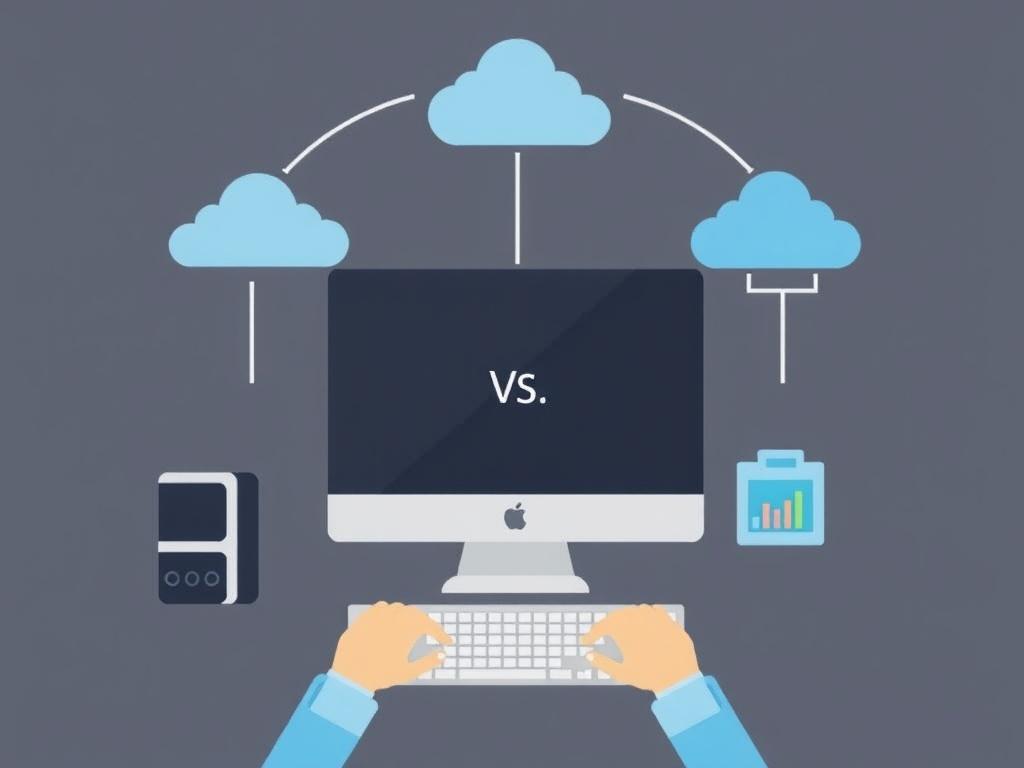
Choosing between cloud-based and desktop applications feels like standing at a fork where both paths lead to the same forest, but with different maps. One promises instant access and automatic updates; the other offers control, predictable performance, and offline reliability. The right pick depends less on trends and more on your workflows, risk tolerance, budget, and the people who use the tools every day.
How cloud and desktop software differ
Cloud software runs on remote servers and is accessed through the internet, which makes it easy to share data, scale resources, and roll out updates. Desktop software installs on a local machine, giving you direct access to hardware resources and file storage, often with fewer network dependencies.
The distinction affects backups, customization, and who administers updates. With cloud apps the vendor typically manages infrastructure and security patches, while desktop installations put more responsibility on the end user or IT staff to maintain and secure each device.
Pros and cons at a glance
| Aspect | Cloud software | Desktop software |
|---|---|---|
| Accessibility | Accessible from anywhere with internet; easy collaboration | Limited to the device or network where it’s installed |
| Updates | Automatic and frequent; vendor-managed | User-initiated or IT-managed; less frequent |
| Performance | Depends on network and server load; responsive for many tasks | Typically faster for heavy compute when using local resources |
| Security & privacy | Strong centralized controls possible; trust in provider required | Data stays local; secure if well-managed, risky if neglected |
| Cost model | Subscription-based, operational expense | Upfront licensing or one-time purchase; capital expense |
| Offline use | Limited or unavailable without network | Fully usable offline |
This table highlights trade-offs rather than declaring a winner. Different teams value these aspects differently, so a small creative studio and a regulated healthcare provider will reach different conclusions.
Keep in mind that many solutions now blur the line: hybrid apps offer local clients that sync with the cloud, giving a mix of offline capability and centralized management.
Security, privacy, and compliance
Security posture depends on implementation, not just the delivery model. Large cloud providers invest heavily in physical security, threat monitoring, and compliance certifications, often providing better baseline protections than a small organization could afford on its own.
However, the cloud introduces data residency and third-party risk considerations. If your business handles sensitive or regulated information, you’ll need strict access controls, encryption, and a clear service-level agreement that addresses auditing and incident response.
Performance, offline use, and user experience
Latency and bandwidth shape how cloud apps feel. For simple collaboration, cloud solutions are snappy, but for high-resolution video editing or large datasets, local hardware still outpaces remote services unless you invest in specialized cloud infrastructure.
Offline availability remains a decisive factor for teams in low-connectivity environments. Desktop applications—and hybrid tools with robust local caches—ensure continuity when the network fails, which can be a business-saver.
Cost and total cost of ownership
Cloud services shift expenses to recurring operational costs: monthly subscriptions, per-user fees, and potentially growing bandwidth charges. This model lowers upfront investment and can be easier to scale up or down as needs change.
Desktop software usually requires higher initial spending for licenses and hardware, but predictable depreciation makes budgeting straightforward. Don’t forget indirect costs like maintenance, backups, and the staff time required to manage distributed installations.
When to choose cloud, when to pick desktop
Choose cloud when collaboration, remote access, and fast deployment matter most. Teams that need real-time document editing, shared databases, or automatic updates will benefit from cloud-first approaches that reduce administrative overhead.
- Cloud is ideal for distributed teams, SaaS-oriented workflows, and businesses that want predictable, per-user pricing.
- Desktop is better for offline work, intensive local processing, or environments with strict data residency requirements.
- Hybrid setups suit organizations that need the best of both worlds: local performance plus cloud synchronization.
Think about the edge cases: field staff with poor connectivity, legacy integrations that only run on local machines, or compliance rules that forbid certain cloud hosting options. Those constraints can be decisive.
Making the switch: migration tips
Migration is as much organizational as technical. Start by mapping workflows and data flows—what files, integrations, and performance characteristics are crucial? That inventory will guide whether you lift-and-shift, adopt a hybrid pattern, or keep parts on-premises.
Plan for training, phased rollouts, and rollback options. In my experience helping a mid-sized design firm move to a cloud-based asset manager, staged migration and clear file-naming standards prevented hours of lost time and user frustration.
My experience and real-life examples
As a consultant I’ve seen teams switch to cloud software and gain immediate collaboration wins; spreadsheets stopped fracturing into multiple versions and approvals sped up. Yet another client, a video production house, stuck with desktop editing because render times and local GPU access mattered more than remote convenience.
These stories illustrate that the “best” choice is contextual. Borrow from both approaches when you can: let cloud handle backups and collaboration, while keeping compute-heavy tasks local or on purpose-built cloud instances.
Final thoughts
There is no universal answer to Cloud Software vs Desktop Software: Which Should You Choose? The decision should follow your users’ daily work, technical constraints, and risk tolerance rather than vendor hype. Evaluate workflows, run pilots, and ask whether flexibility, control, or cost predictability matters most to your organization.
Choose deliberately and give the change time to settle; with clear requirements and staged adoption, you’ll find a setup that supports productivity without forcing unnecessary compromises. The smartest move often isn’t a dramatic switch but a pragmatic blend that fits how your team actually works.


